-3.png?width=150&height=101&name=Kiwi-voip-2%20(1)-3.png)
- Login to your portal on https://portal.kiwivoip.co.nz
- Click on Cloud PBX in the top menu

- From the numbers listed on the web page click the number you want to work on
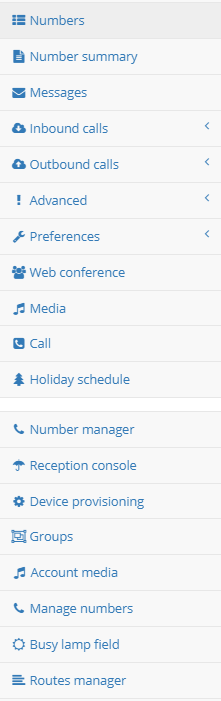
- You will get a menu like this
- Click on Outbound Calls and you will get a menu like this
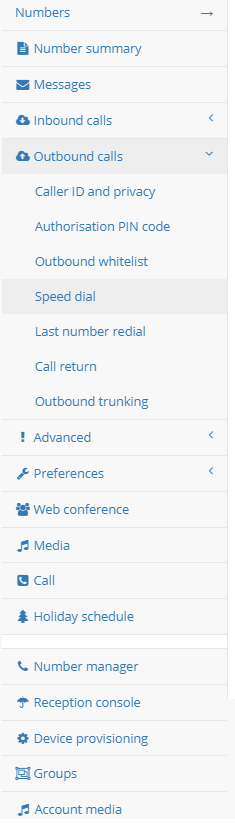
- Click on Speed Dial
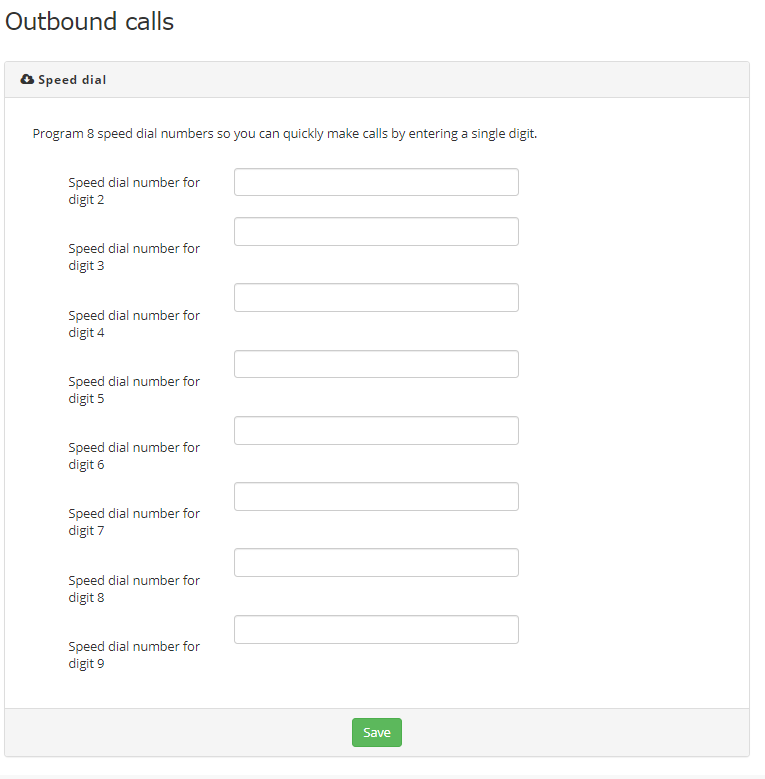
- Fill in the speed dials and click Save